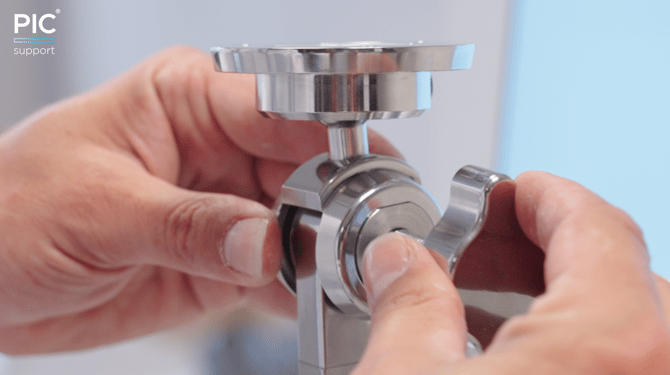
Check which of the following situations are applicable to your PIC system Gravity
PIC camera bouncing up when the Zero-Gravity Arm is lowered or PIC camera falling down when the Zero-Gravity Arm is raised
If the vertical counter-balance of the arm is too strong or too loose, it can be easily adjusted to your preference.
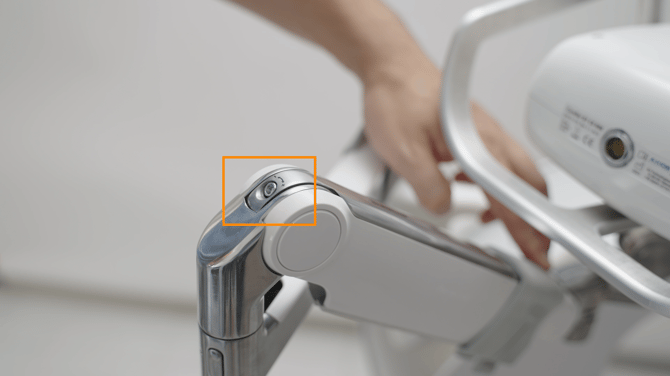
Follow these steps to resolve:
Adjusting the vertical counter-balance of Zero-Gravity Arm
PIC camera falling off to a side when it's rotated or tilted on the Zero-Gravity Arm or offering too much resistance to allow it to be easily rotated when held
If the resistance of the ball joint is too strong or too loose, its friction can be adjusted to your preference.
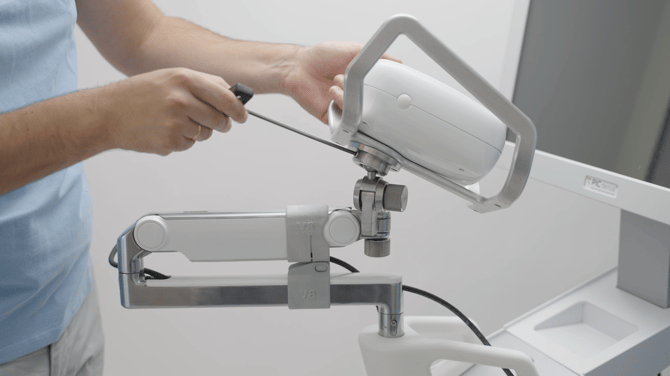
Follow these steps to resolve:
Adjusting the friction of rotation and tilt of the PIC camera on the Zero-Gravity Arm
Ball joint too loose even after tightening the friction screw all the way
If you already tried adjusting the friction of the ball join at the end of the Zero-Gravity Arm, but the PIC camera keeps falling off to a side, you have to adjust a screw within the ball joint.