/PIC_H_LOGO_1.svg)
The PIC camera and the Grip are attached to the tip of the Zero-Gravity Arm by a ball joint that allows the camera to tilt and rotate for capture. This ball joint has some friction designed for the camera to stay in place after it's been rotated.
Please make sure your PIC camera and Grip accessory are both attached to the Zero-Gravity Arm before adjusting the ball joint's friction.
-
Put the Zero-Gravity Arm in the storage/transport position by pushing together the top section and bottom section of the arm.
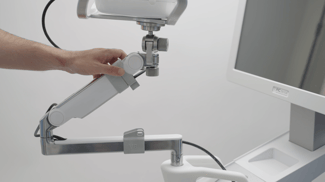
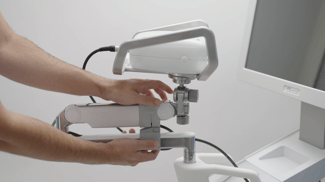
-
Carefully unplug the camera cable from the back of the PIC camera. Do not apply force and avoid bending the cable excessively.
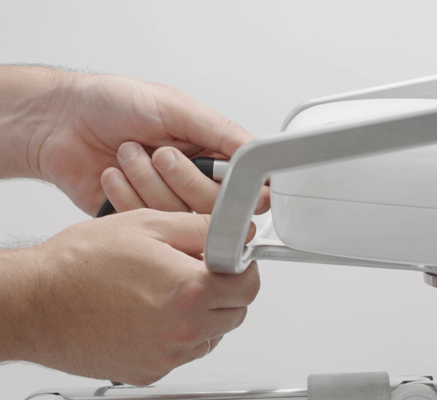
-
Using the Allen key (included with your PIC system Gravity), slightly loosen (to reduce friction) or tension (to increase friction) the screw at the tip of Zero-Gravity Arm while holding the Grip with another hand. This screw controls the friction of the ball joint. Do not unscrew the screw completely: make small adjustments at a time. After each adjustment, carefully test the friction by rotating and tilting the PIC camera.
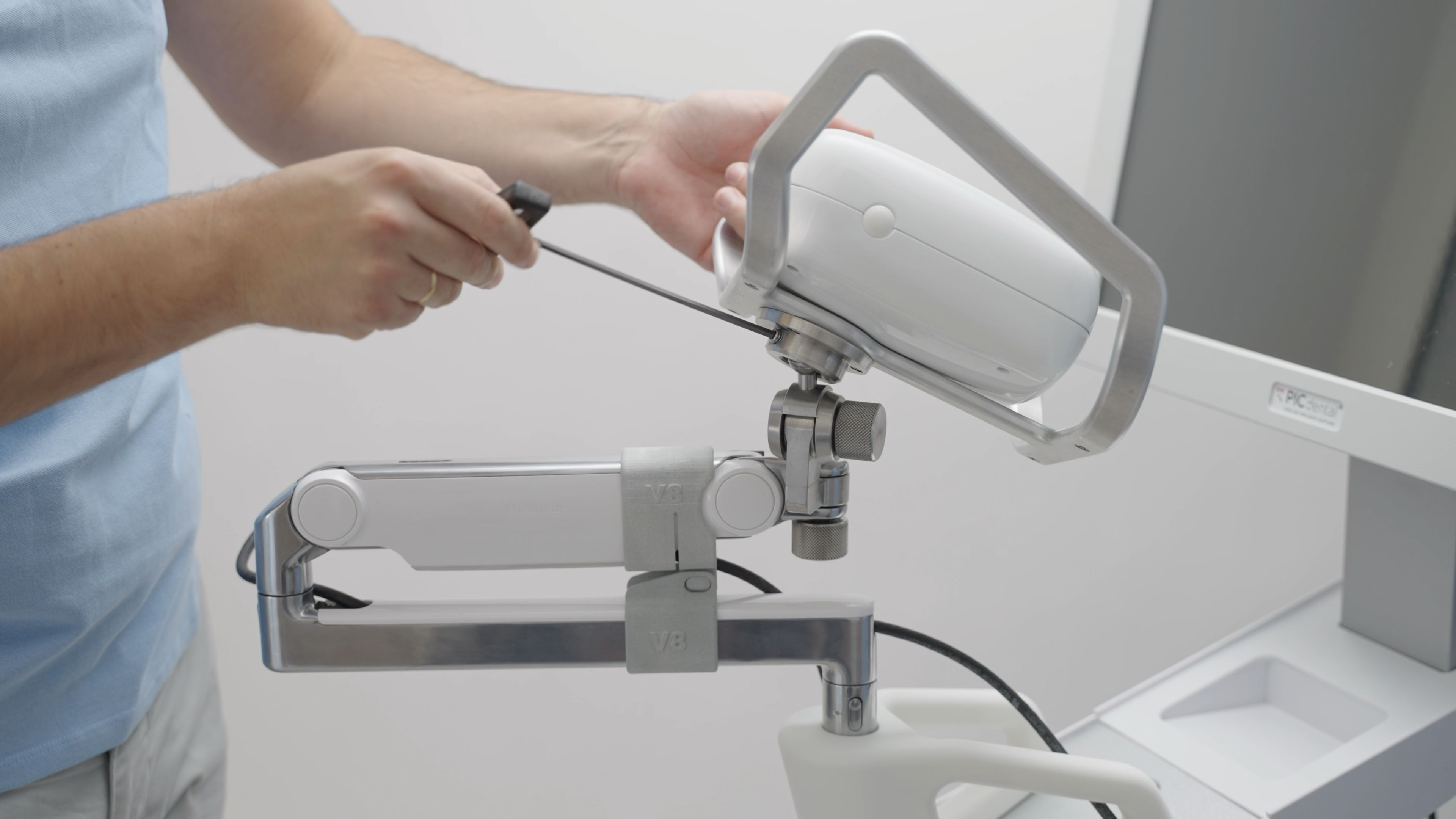
If the friction screw is loosened too much, while the PIC camera will still be attached to the Zero-Gravity Arm its rotation may drop abruptly to a side. Make small adjustments and carefully test the friction to avoid accidents.