What is PIC system?
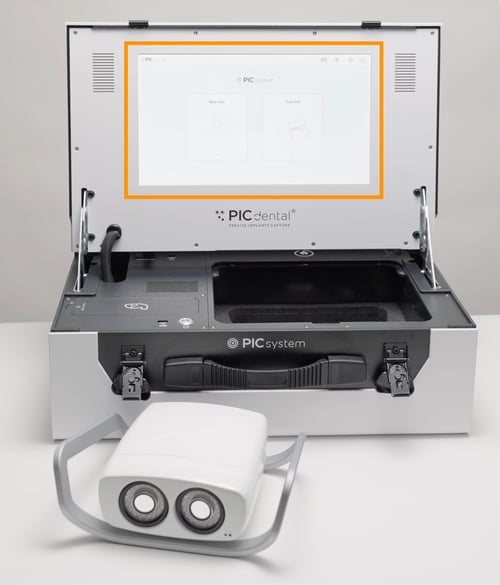
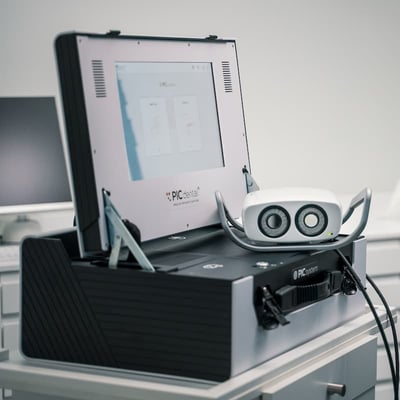
PIC system Gravity and PIC system share an All-in-One design concept, integrating the PIC camera, its image processing unit, a computer with the PIC suite software, and a large touchscreen in a single unit.
The PIC system form factor is provided in a single, carry-on luggage size case. Its reduced footprint makes it ideal for travel.
Compatibility of PIC system
- Legacy PIC camera (Released in 2010)
PIC system is available as a form factor upgrade for Legacy PIC systems. - PIC camera (Released in 2022)
Unboxing and initial setup of PIC system
The PIC system is shipped inside a wooden box to protect all system components until it's delivered. It is shipped fully assembled. The only tool required to unpack the wooden box is a pair of sharp scissors.
How to remove PIC system from the wooden shipping box
- Make sure the box is sitting upright, with the arrows on the outside of the box facing upwards. Remove the top of the wooden box.
- PIC system is protected by a black plastic covering within the wooden box. Carefully pull out the PIC system out of the wooden box.
- With the pair of scissors, cut the top of the black plastic bag, and pull out the PIC system. Once removed from the plastic covered, it is ready for use.
Initial setup of PIC system
- Plug PIC system to AC power using the provided cable (stored in the AC cable compartment) and turn it on. Learn more about handling your PIC system here
- Install your PIC transfer kits in PIC suite following these instructions
- Follow these instructions to set up your PIC system for capture.
Features and parts of PIC system
PIC system includes a number of features and components, some of which are specific to this form factor. The main parts of the system are:
Unique to PIC system:
- All-In-One case design
- PIC camera storage compartment
- PIC transfers storage compartment
- AC cable compartment
Available on all PIC system, PIC system Gravity and PIC system Station:
- Ports
- Touchscreen
- Quickswitch power
Features
All-In-One compact case design
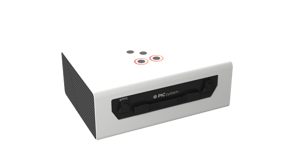
All the components of the PIC system are contained inside the case. Electronic components (such as the computer, the image processing unit and the wiring) are built-in. The touchscreen is integrated into the inside of the lid to provide an optimal viewing angle when the case is open.
The rest of the components are distributed in labeled compartments.
To open any of the compartments, first press on the circle with the PUSH HERE text until you hear a click, which means the locking latch for the compartment is released.
Then, the cover may be pulled upwards. All the 3 compartment covers can be fully removed for easier handling while the PIC system is in use.
PIC camera storage compartment
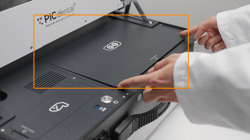
The PIC camera is stored in the largest compartment located below the right side of the screen.
PIC transfers storage compartment
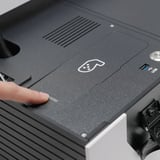
The PIC transfers compartment is located in the bottom left of the case's top, right above the USB port and the ON/OFF buttons.
AC cable compartment
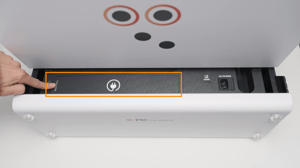
The AC cable compartment is located right behind the lid when the system is open.
Ports on PIC system
PIC system has the same ports as PIC system Gravity. On the PIC system, these ports are organized in different locations:
1. At the front of the PIC system's top side (when open):
- ON/OFF button. Used to turn PIC system on and off.
- USB-A port. Used to connect USB flash drives for different purposes:
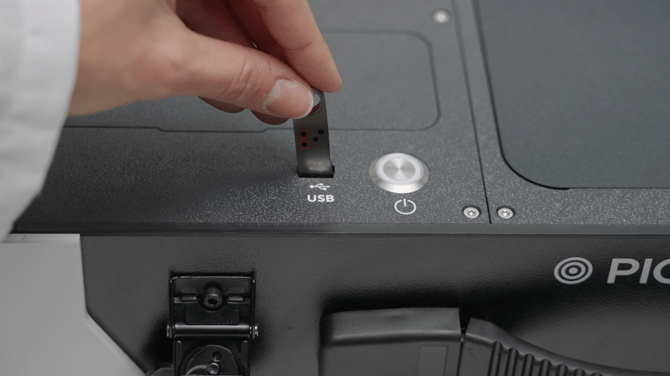
- PIC camera cable port. PIC camera is connected to the system via this port.
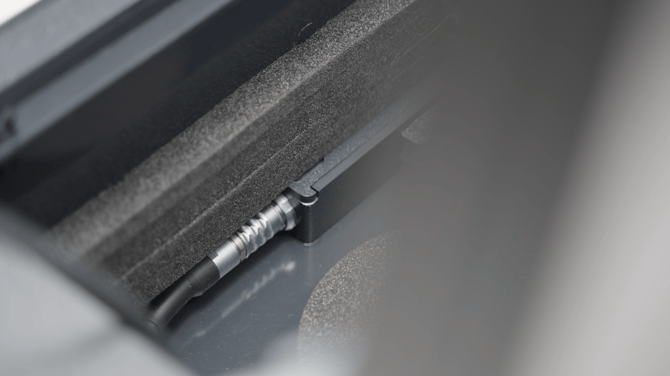
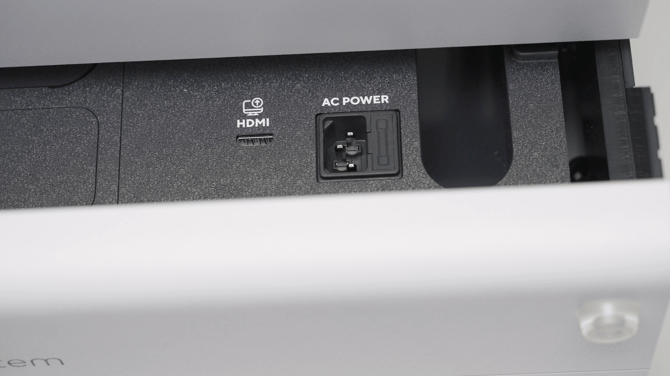
2. At the back of the system:
- HDMI port. Provides an HDMI video signal duplicate of PIC system's screen contents. This port can also be used to capture a screen recording of PIC suite by using an HDMI video capture card.
- AC power port. The AC cable plugs here. This port also contains a fuse that protects PIC system's electronics from unexpected power surges.
PIC system touchscreen
PIC system has a large screen to operate the PIC suite software. As it's a touchscreen, no external keyboard or mouse are necessary to operate the system.