
There are two ways to create a new case in PIC suite:
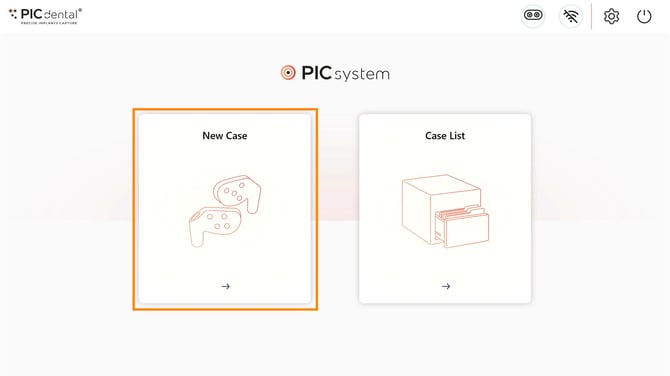
1.Creating a case from the Home Screen
Tap "New Case" on the home screen.
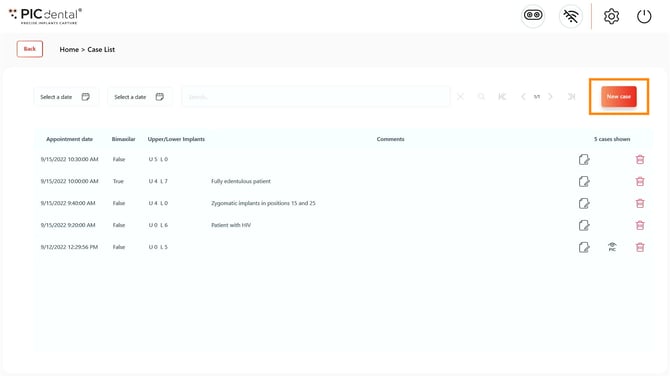
Creating a case from the Case List page
Learn more about the Case List page
Tap "New Case" on the Case List page.
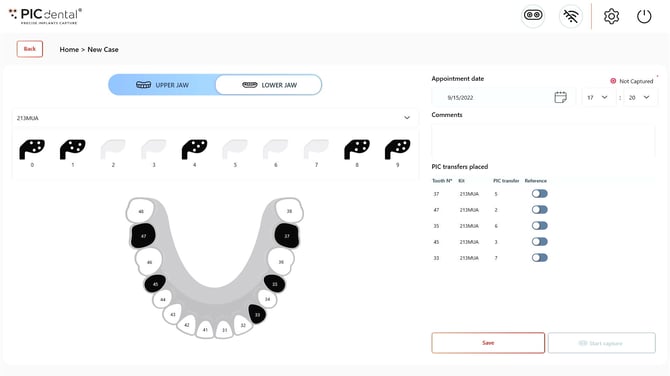
After creating a new case, PIC suite will display the Odontogram Editor.
NEXT: Learn more about editing the odontogram for a new capture