
Turning ON your PIC system (plugged)
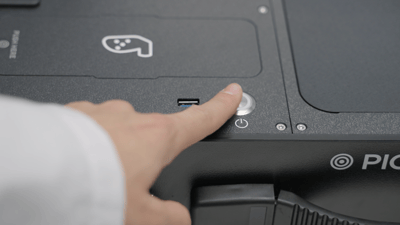
These are the steps you should follow:
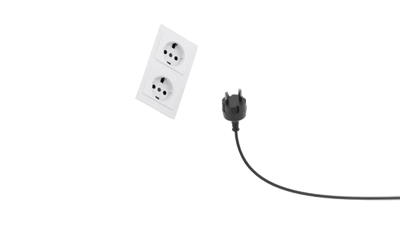
- Connect your PIC system's AC cable to a power source.
- Wait until the power button flashes 3 times.
- Press the power button.
Turning ON your PIC system (unplugged / QuickSwitch battery)
This method will use your PIC system's battery.
- Hold the power button until it lights up and then release.
- Wait until the power button flashes intermittently.
- Click the power button again one time while it is flashing.
Did you know? Every time the system is switched off without being connected to the power supply, it is de-energized after 20 seconds to ensure that there is no power consumption and to safeguard the battery life of your PIC system.
Turning off your PIC system (plugged & unplugged)
- Tap on the button in the upper-right corner of the PIC suite interface.

IMPORTANT! Never press the power button to turn off your PIC system. The only scenario where the power button may be used to turn off your PIC system is if PIC suite is frozen or unresponsive, and you need a forced shutdown. If this happens, inform PIC dental's Support team as soon as possible.