
- PIC suite provides the option to export a PIC file via email or to a USB flash drive. Learn more about exporting the PIC file.
How to set up the unique email address in Dropbox®
- Sign in to dropbox.com.
- Click on the avatar (profile picture or initials).
- Click Settings.
- Click Set up next to Email to my Dropbox®.
- Click Create an email address in the window that appears.
- Click Done.
All file attachments forwarded to the users' unique email address, like the PIC file, will appear in a private "Email Attachments" folder in their Dropbox® account. More information about the unique email address.
How to use "Email to Dropbox®" to send a PIC file from PIC suite directly to Dropbox® cloud storage
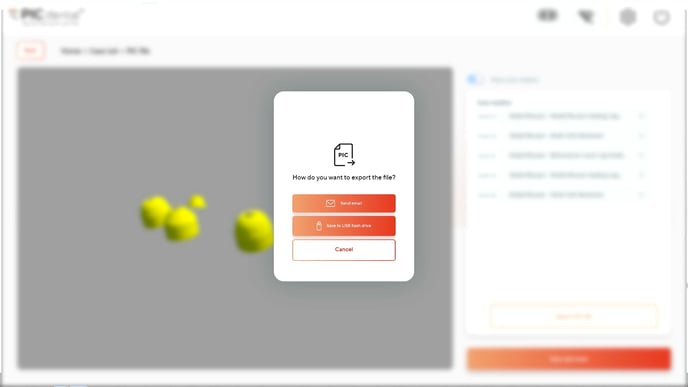 Tap on the "Send email" button when exporting the PIC file.
- Input the unique "Email to Dropbox®" email address (provided by Dropbox®) as the recipient.