
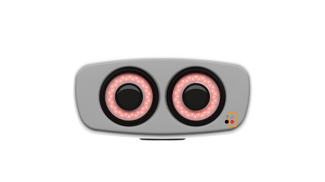
The PIC camera has distinct states that can be identified by its lights:
- Turned off. All camera lights (the two LED status lights and the infrared ring lights around the cameras) are off.
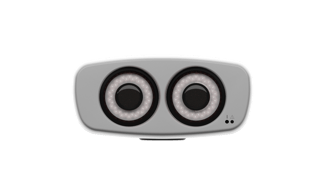
- Turning on. The green LED status light is blinking. The infrared ring lights are off.
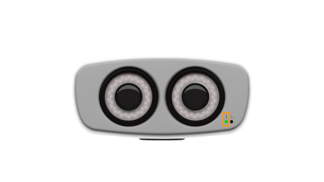
Please note that the red LED status light might turn on for a second or two and immediately turn off when the camera is first plugged in. This is normal when the camera is being turned on. - Turned on and not initialized (not ready for capture). The green LED status light is on and static. The infrared ring lights are off.
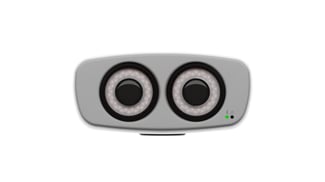
- Turned on and initialized (ready for capture). The green LED status light is on and static. The infrared ring lights are on.
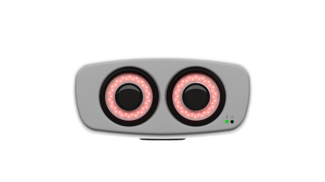
- Issue detected. The red LED status light is blinking or static. Please contact our Support team to troubleshoot the issue.
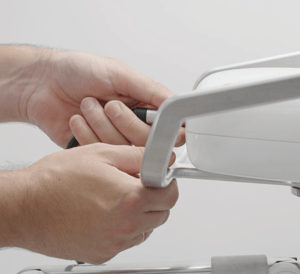
Connecting and Disconnecting the PIC camera.
NEXT: Connecting and Disconnecting the PIC camera