/PIC_H_LOGO_1.svg)
What is the Grip?
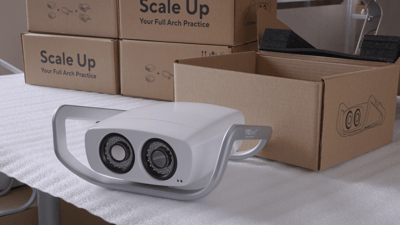
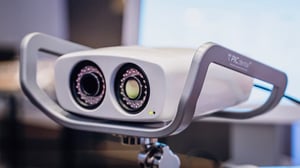 The Grip is a custom-designed, removable handle and base for the PIC camera. It has a low shape profile that gives improved ergonomics without adding bulk.
The Grip provides a solid frame that’s comfortable for moving or holding the PIC camera during capture, including when it's attached to the Zero-Gravity Arm of PIC system Gravity. It also has a flat base with anti-slip material that keeps the camera stable on flat surfaces with a low center of gravity.
Backwards compatibility with the Legacy PIC camera
The Grip accessory is fully compatible with the Legacy PIC camera. The Grip’s attachment area fits the Legacy PIC camera and it can be used in the exact same way for more comfort during capture and more stability during storage on flat surfaces.
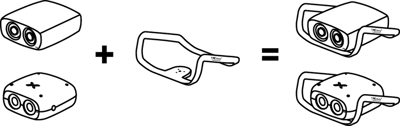
How to attach the Grip accessory to the PIC camera
- Remove the Grip from the box. Do not discard the box yet.
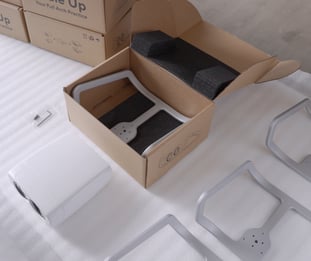
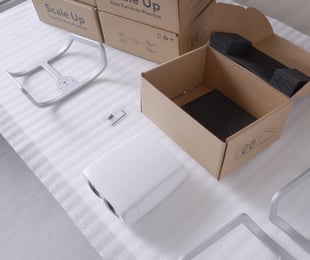
- Place your PIC camera Legacy upside down (with the metal attachment plate upwards and the lens looking away from you) on top of the foam base inside the box. This will raise the camera to provide enough clearance for attaching the Grip.
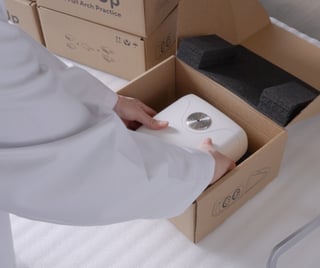
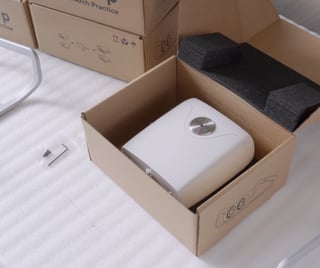
- Align the Grip on top of the attachment plate of the camera.
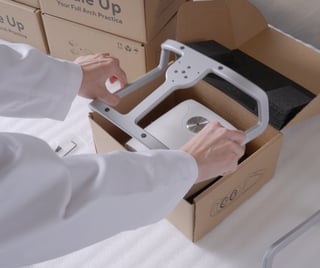
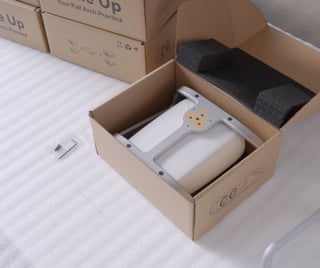
- Screw in the Grip with the provided three screws and Allen key.
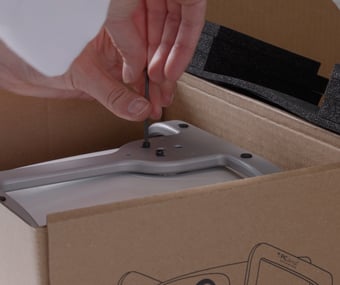
- The PIC camera is now safely attached to the Grip accessory.