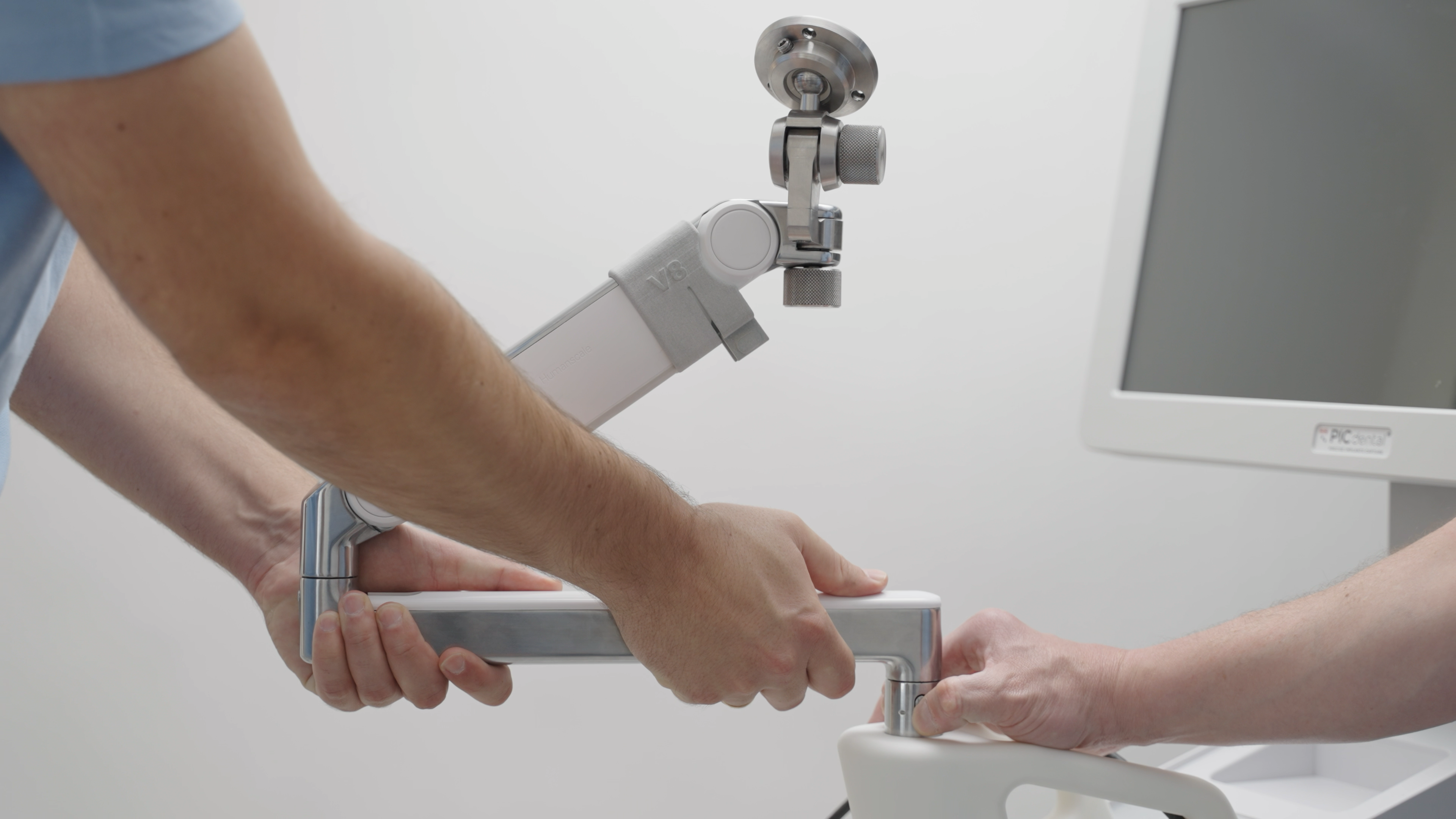
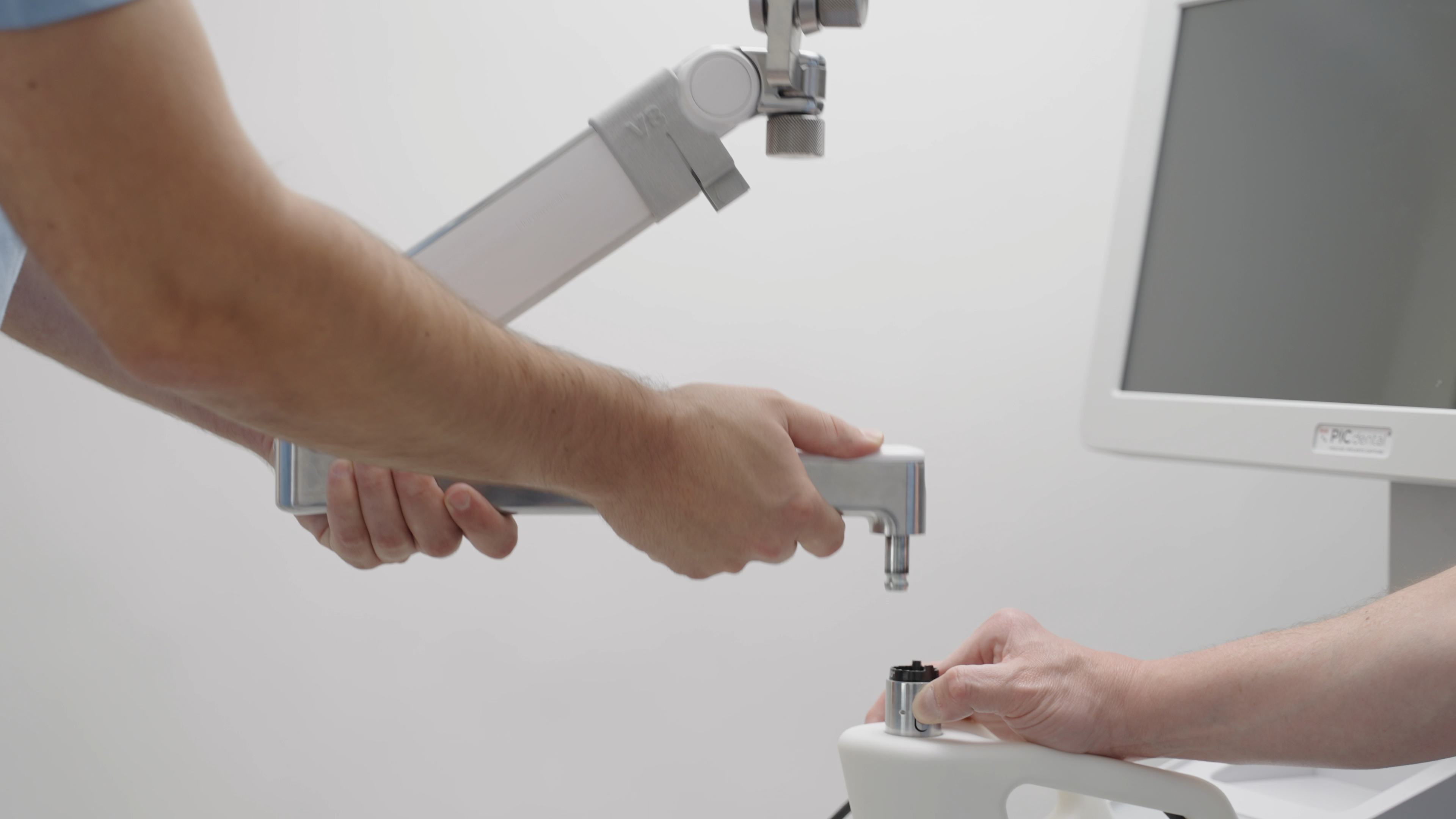
To install the Zero-Gravity Arm on your PIC system Gravity, follow the steps of this article in reverse.
Two people are required in order to safely remove or attach the Zero-Gravity Arm to PIC system Gravity.
Do not attempt to attach or remove the arm on your own as there will be a significant risk of dropping and damaging your Zero-Gravity Arm. PIC dental bears no responsibility for accidents caused by user negligence.
- Remove the PIC camera from the Zero-Gravity Arm by following the PIC camera removal instructions in this article (tap here).
- After the PIC camera has been safely removed and stored, release the camera cable from the Zero-Gravity Arm's upper section by gently pulling the cable down through the cable guide flaps. Do not apply force and avoid bending the cable excessively.
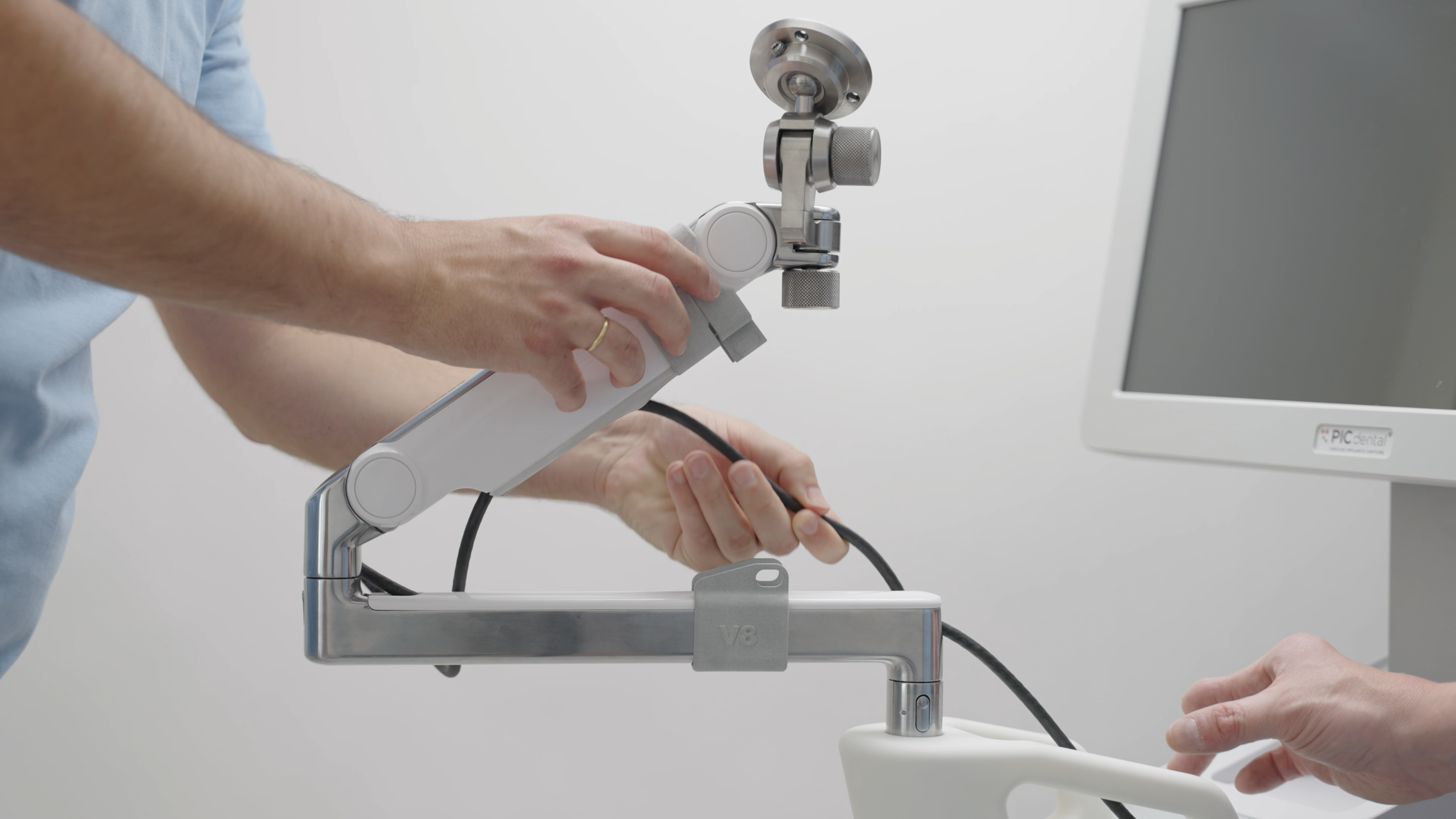
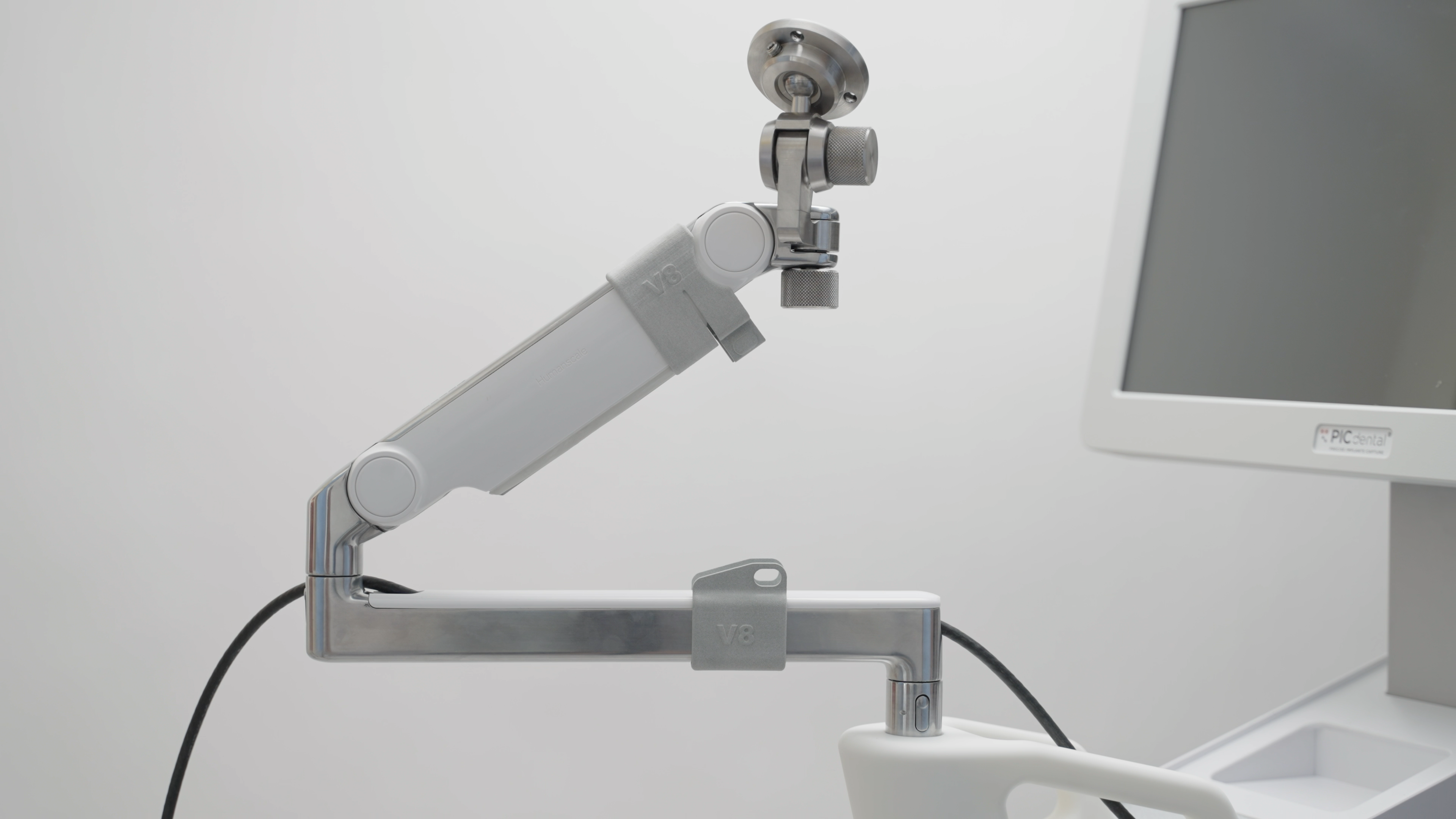
- Slide the white top cover on the bottom section of the arm to remove it and access the remainder of the camera cable held in the bottom section:
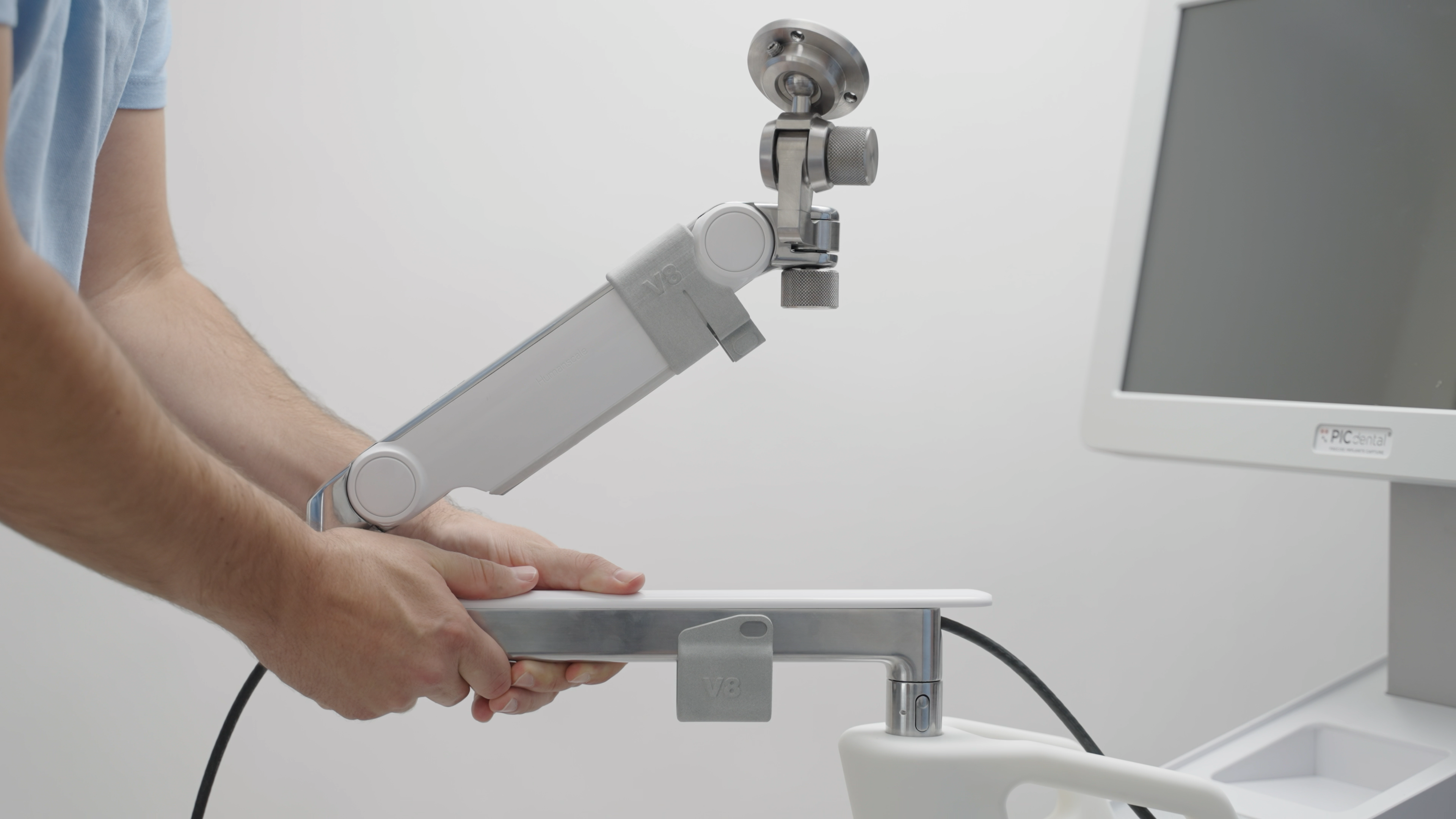
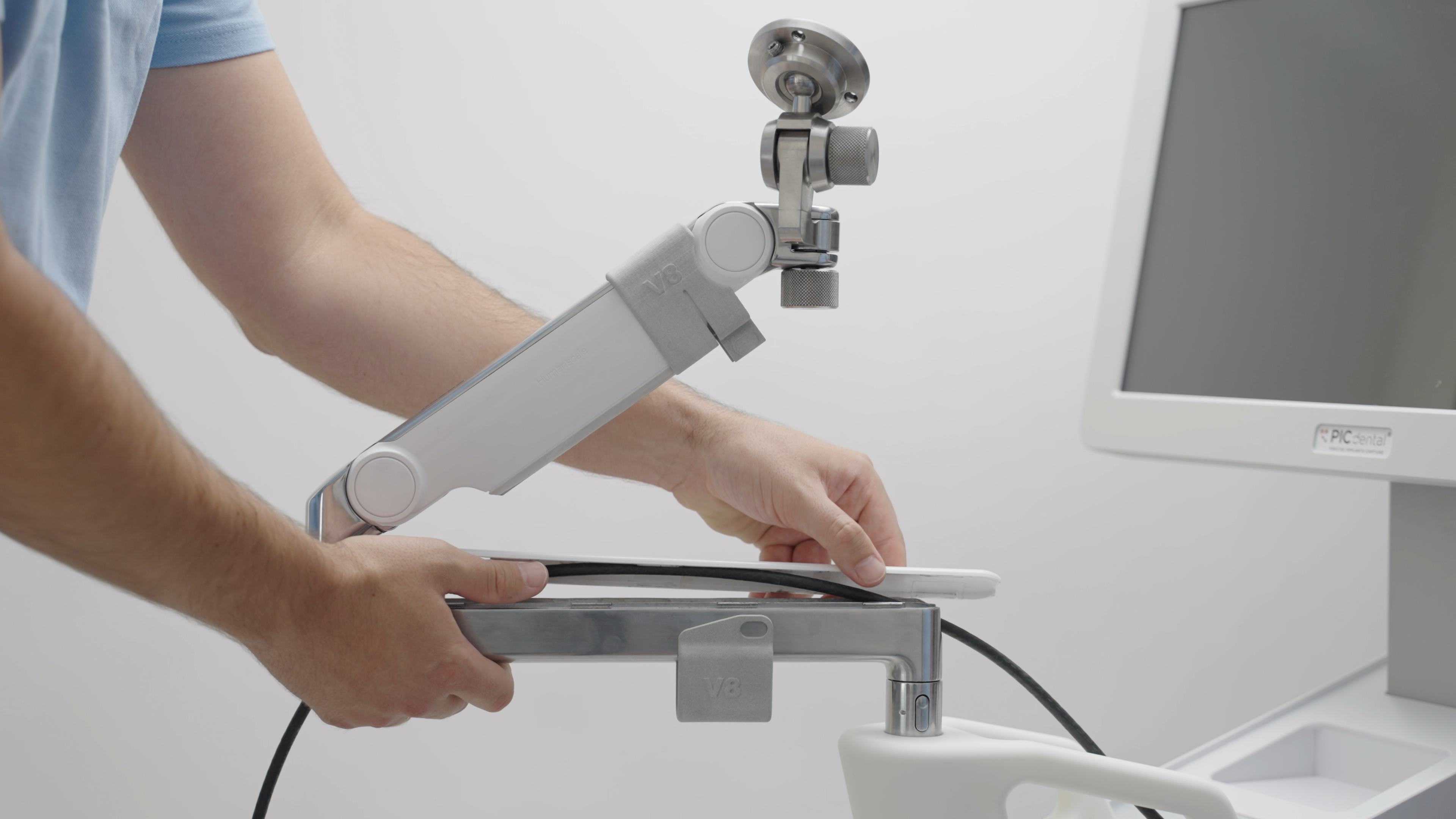
- Gently remove the remainder of the camera cable from the bottom section of the arm. Do not apply force and avoid bending the cable excessively.
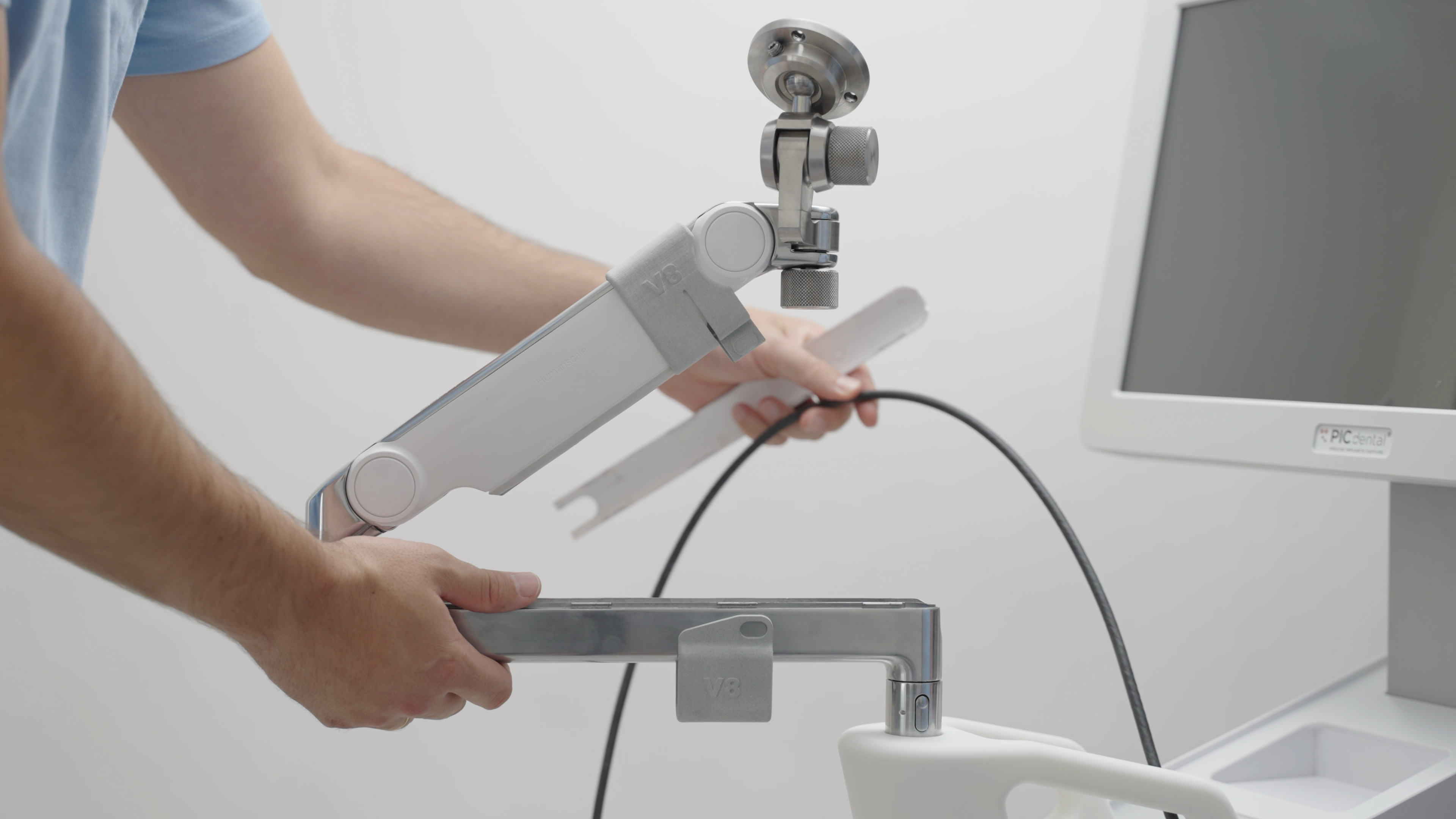
- Slide the white top cover back onto the lower section of the arm.
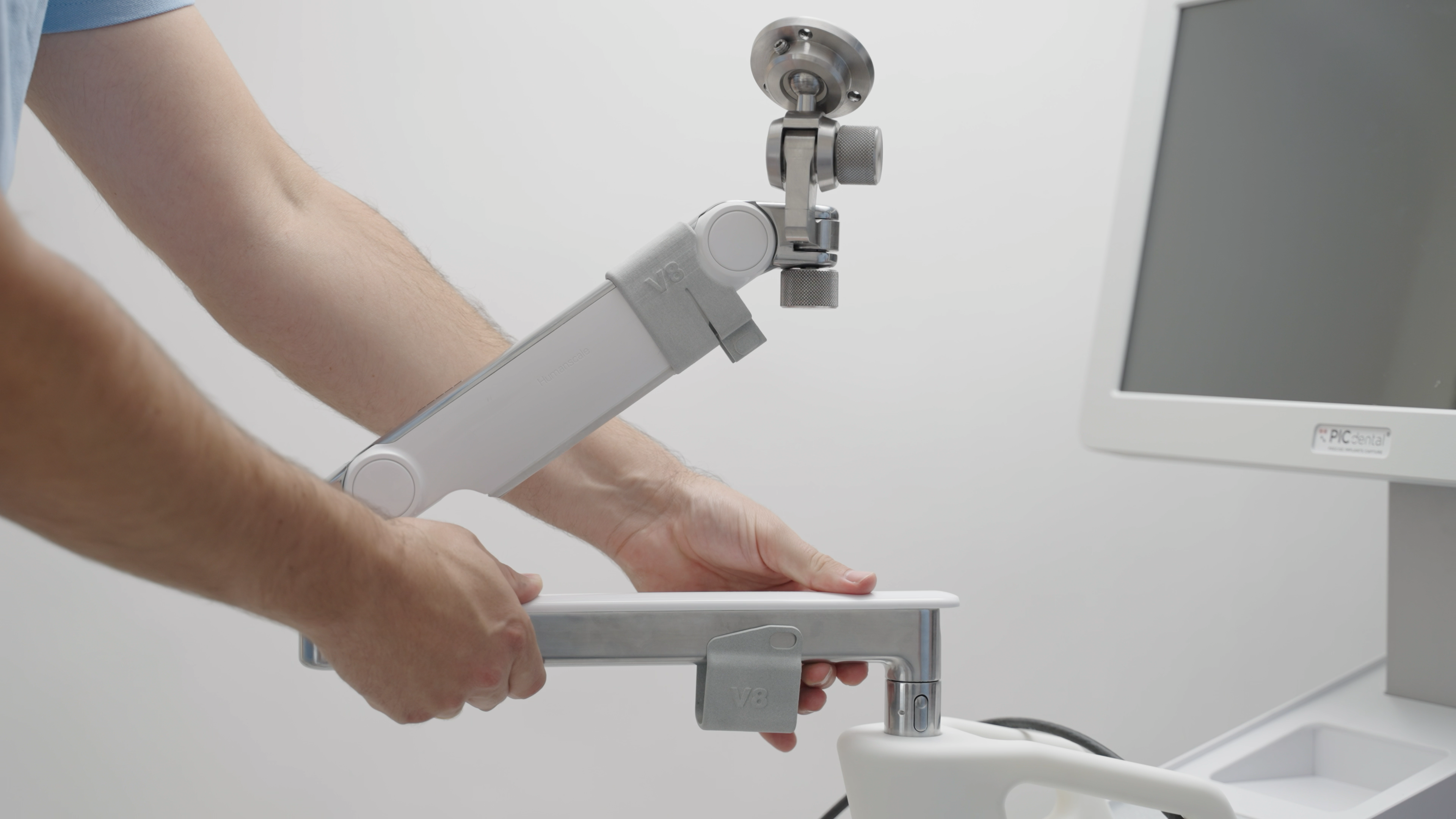
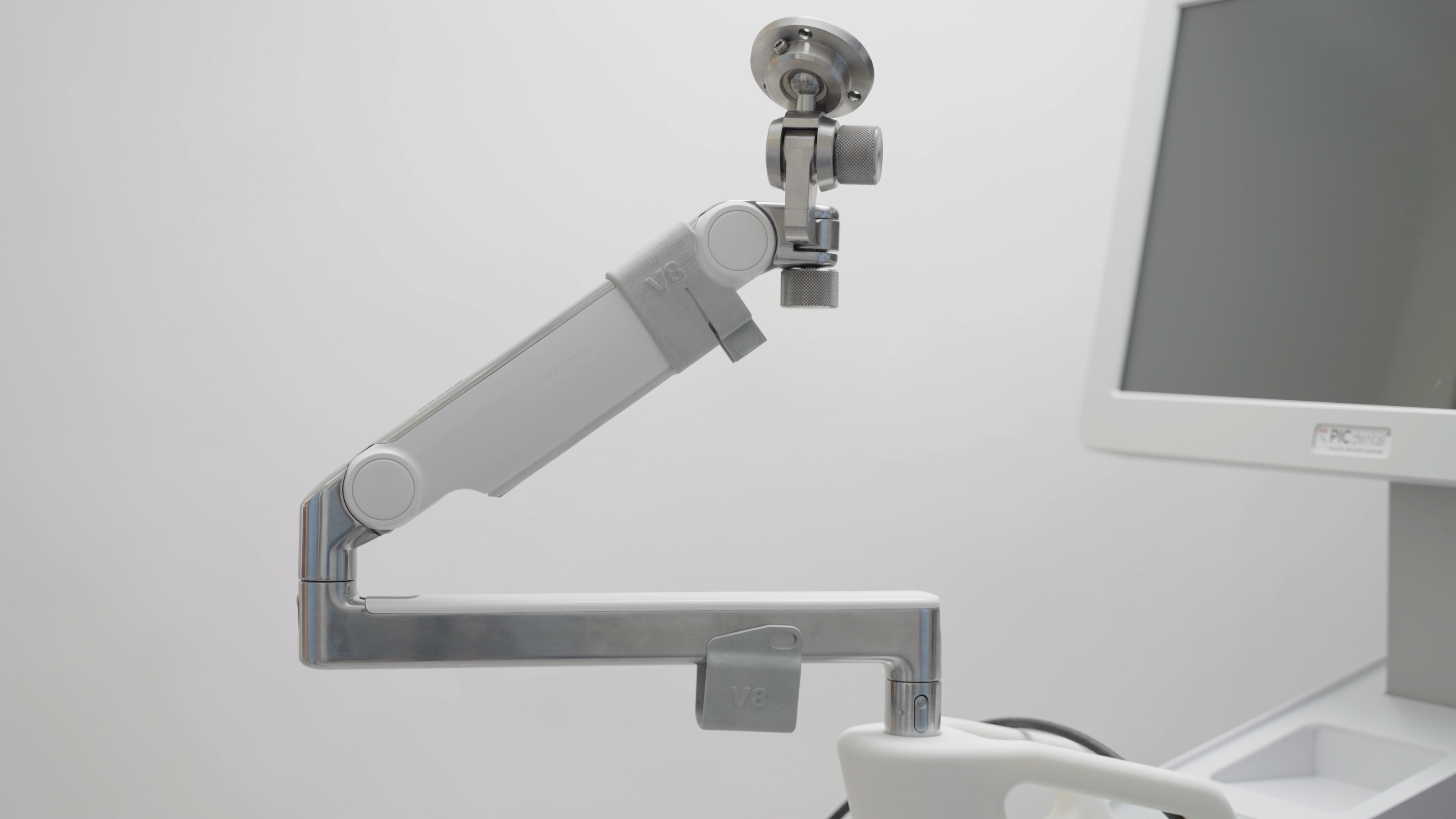
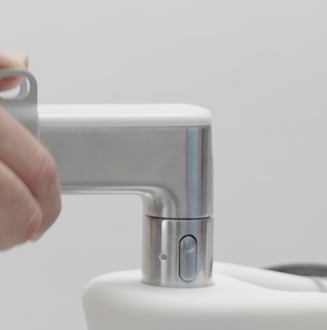
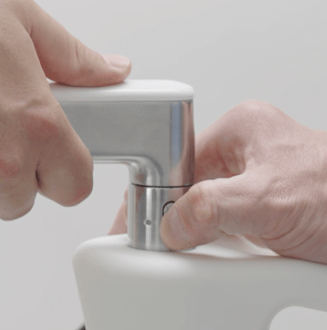
- A second person should firmly hold the Zero-Gravity Arm by its bottom section at this time. Press and hold the release button at the base of Zero-Gravity Arm while a second person gently pulls the arm upwards.