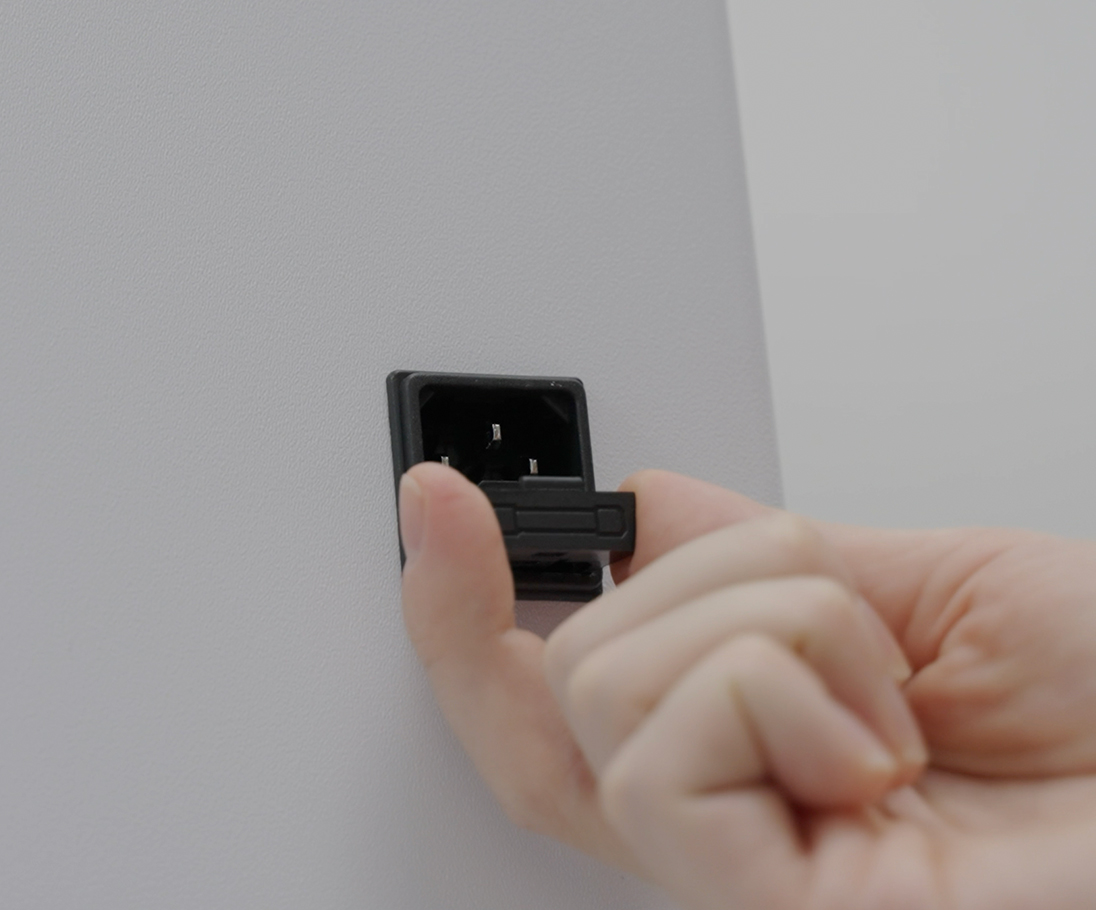
- PIC system Gravity is a sensitive medical device. In order to protect its electronics from power surges, it has a fuse installed at its AC power connector.
- Fuses are single-use, inexpensive safety devices that protect electrical circuits from the effects of excessive electrical currents.
- In case of a power surge, a fuse will melt to stop the excessive current from reaching the electronics of PIC system Gravity and potentially damaging the system. It then has to be replaced with a new fuse, as the system will not turn on with a blown (broken) fuse.
- A power surge may happen in many situations, such as during or right after power outages, or due to unpredictable factors affecting the stability of the electricity supply such as thunderstorms.
How to identify a fuse state
If your PIC system Gravity is not turning on after plugging it to AC power, the most probable reason is that its fuse was blown and needs replacement.
To identify if your PIC system Gravity's fuse is operational or blown, first remove it from the system following the steps at the end of this article.
Then, hold it against a source of light that allows you to see inside its transparent part.
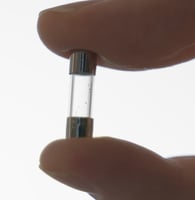
Blown (broken) fuse
No wire connecting both sides of the fuse is visible. There may be some debris that appear as little dots or metal pieces inside the glass.
In this case, the fuse needs to be replaced with a new, intact fuse
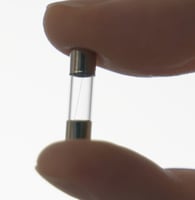 Operational fuse
A straight, thin wire connecting both sides of the fuse is clearly visible, with no debris.
In this case, the fuse is operational.
Fuse types
There are two different types of fuses compatible with the PIC system Gravity.
The type of fuse is dependent on the voltage of the country you live in:
- In countries with 220v/240v voltage, the type of fuse is 5A (amps).
- In counties with 110v/120v voltage, the type of fuse is 10A (amps).
PIC system Gravity includes a replacement fuse. Additional replacement fuses can be purchased at most hardware or electrical stores.
Steps to change the fuse
- The fuse can be located at the bottom of the back side of the PIC system Gravity. The fuse compartment is right below the AC connector.
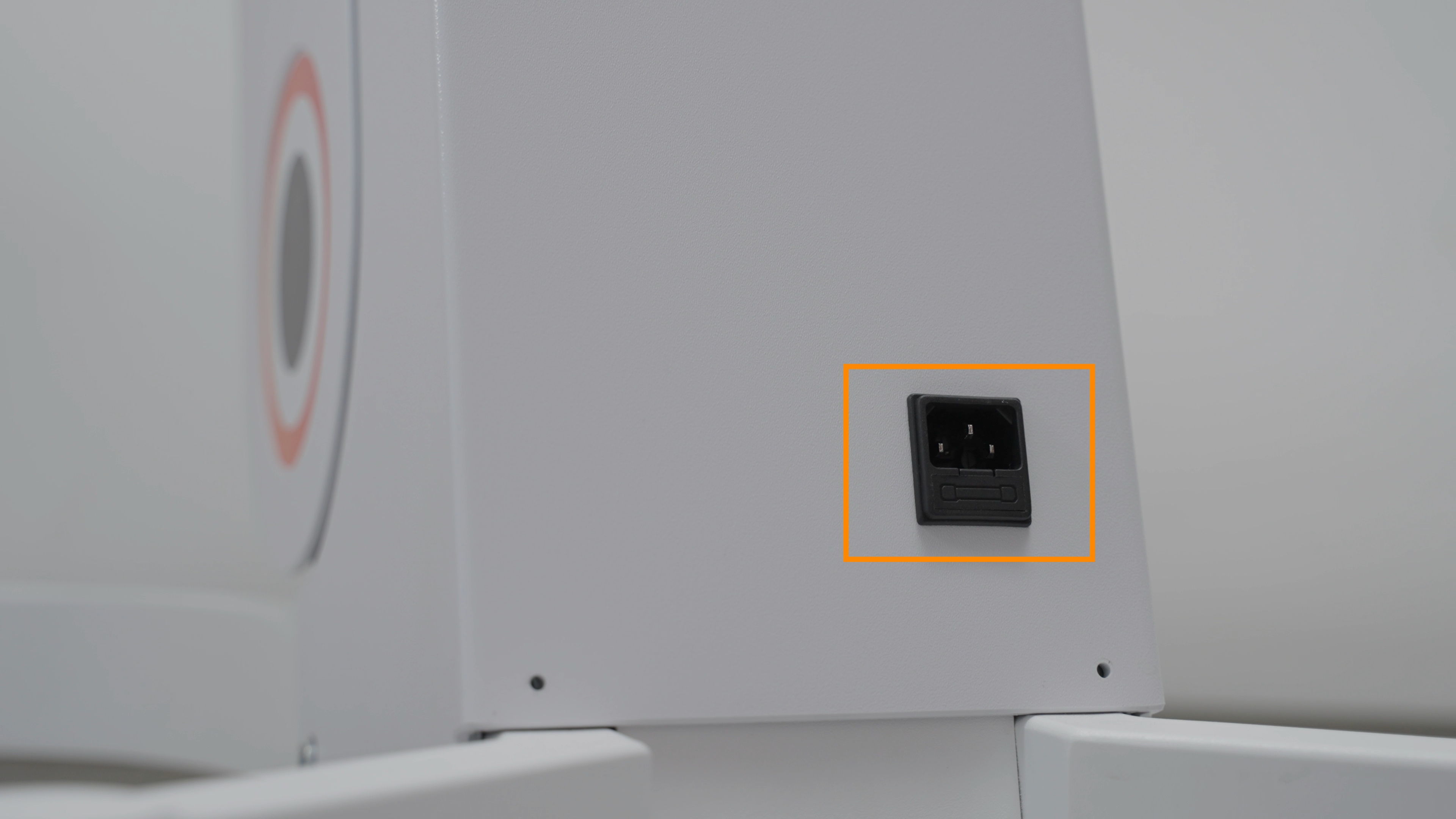
- To remove the fuse compartment, press down on the top side of the compartment (the bottom side of the AC connector) to detach it.
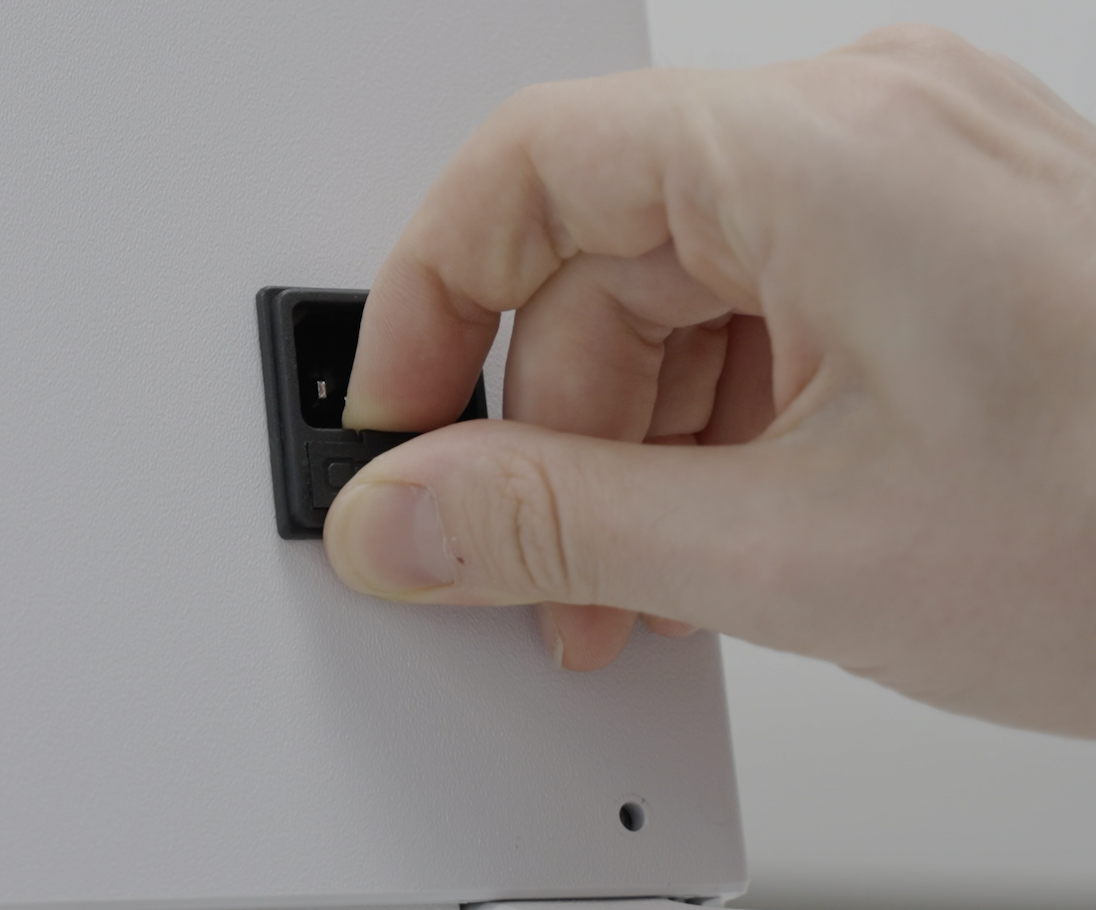
- Then, pull the compartment out fully by grabbing the sides.
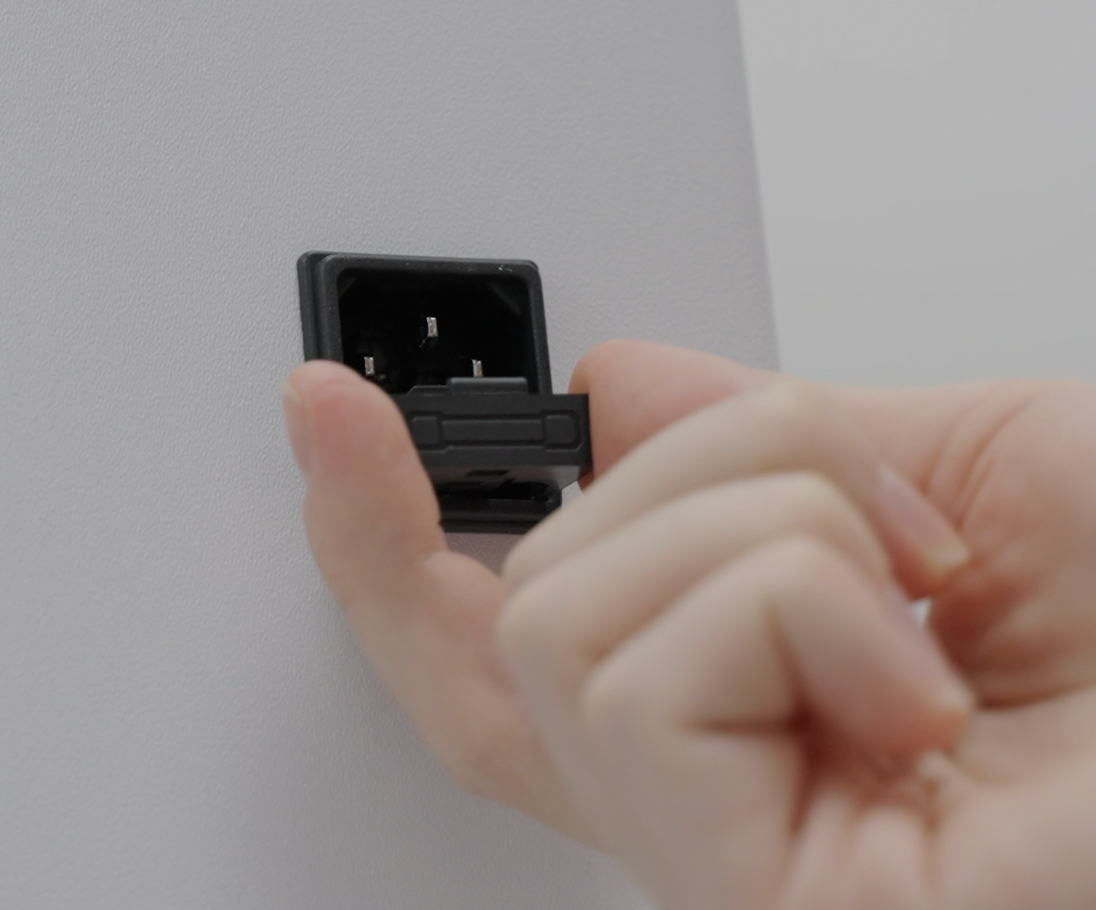
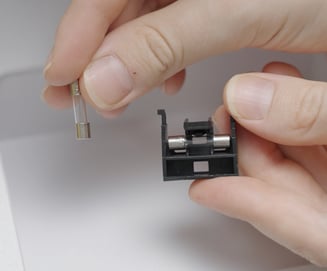
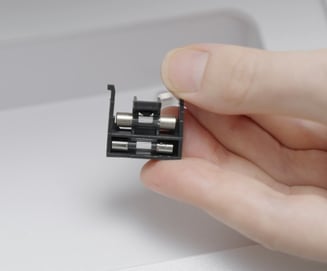
- Inside the compartment there will be two individual fuses visible.
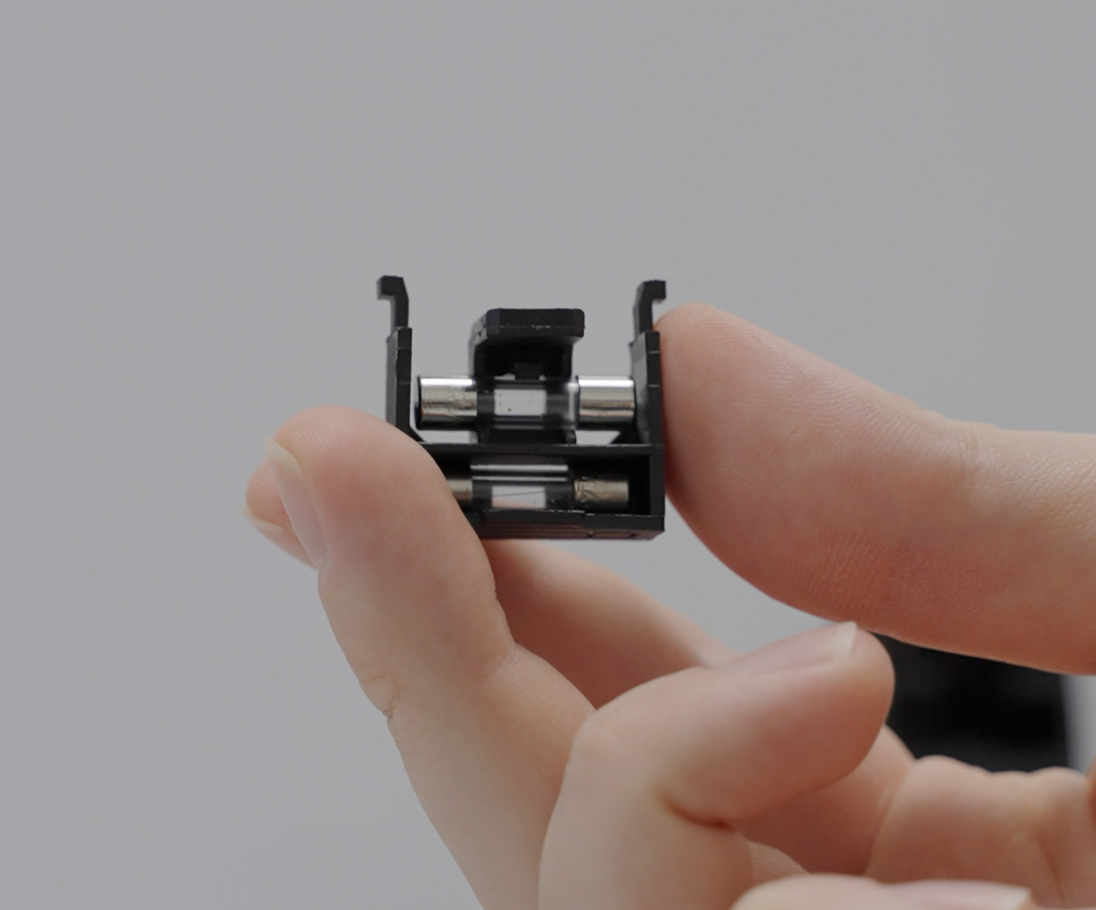
- The top compartment (as displayed in the photo above), contains the currently installed fuse. This is the fuse that protects the circuitry of PIC system Gravity.
- The bottom compartment (as displayed in the photo above) is a storage compartment for a backup fuse. It is not connected to the electrical circuit of the system. You may place a spare new fuse in this compartment to have a replacement at hand.
- To replace the fuse, you may use PIC system Gravity's built-in accessory tray (located below the system's screen) as a working surface.
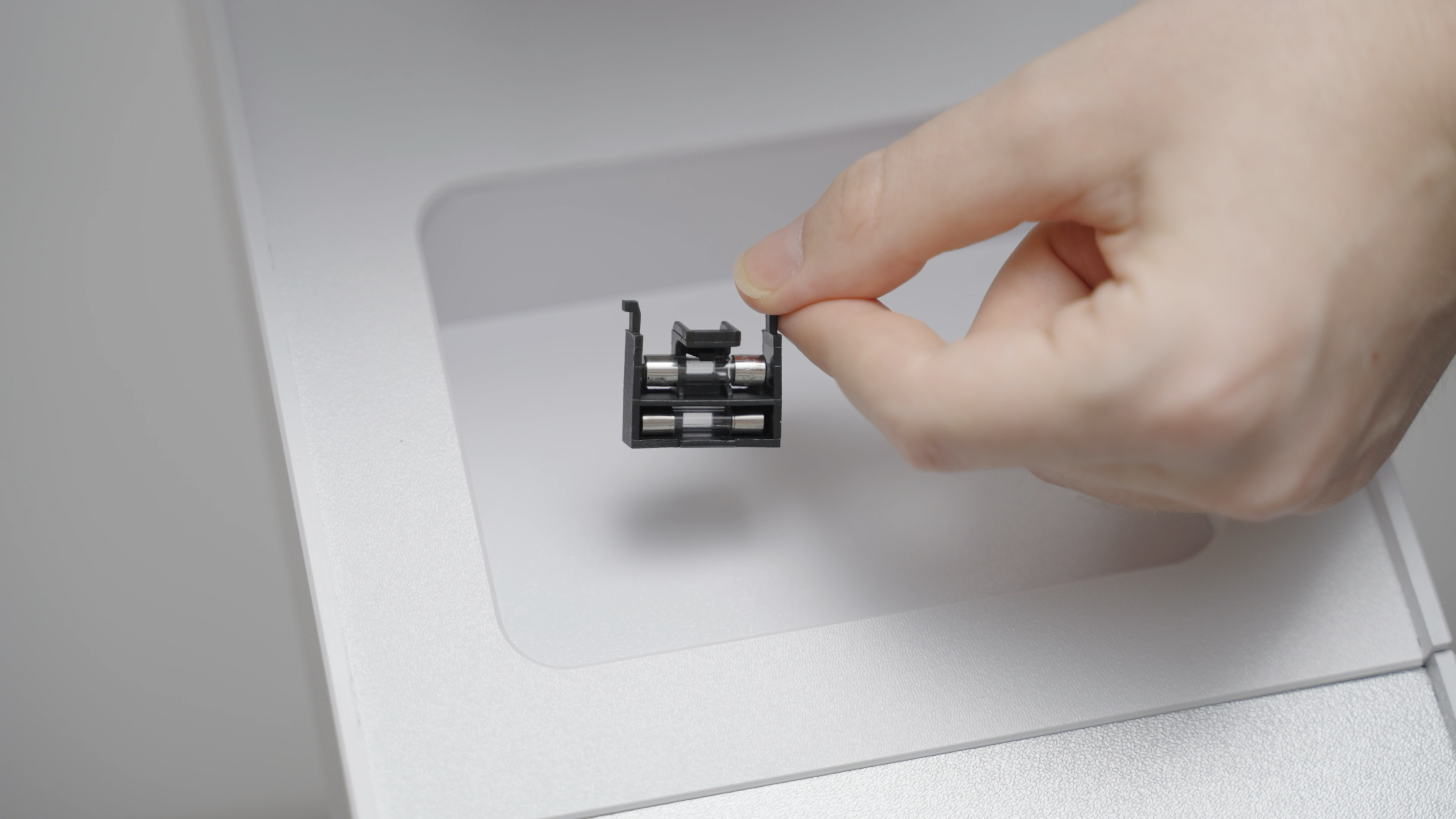
- To remove the backup fuse (in case you are going to use it as the replacement), angle the fuse compartment downwards close to your working surface and lightly tap on it. The backup fuse will fall out from the compartment.
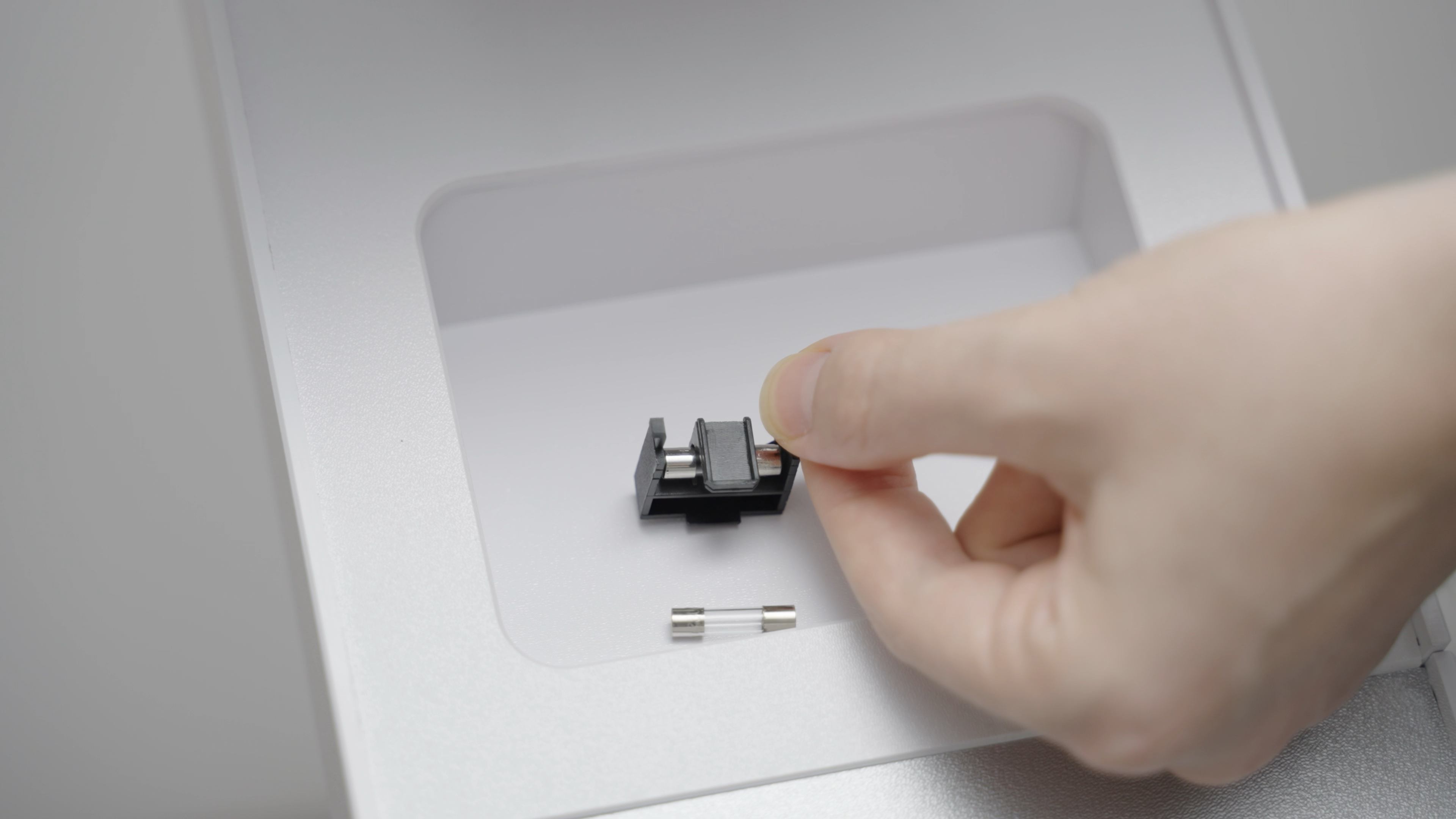
- To release the currently installed fuse, use a tool with a thin and solid endpoint, such as a screwdriver, and push the fuse out by carefully applying pressure on one of its sides as displayed in the photo below.
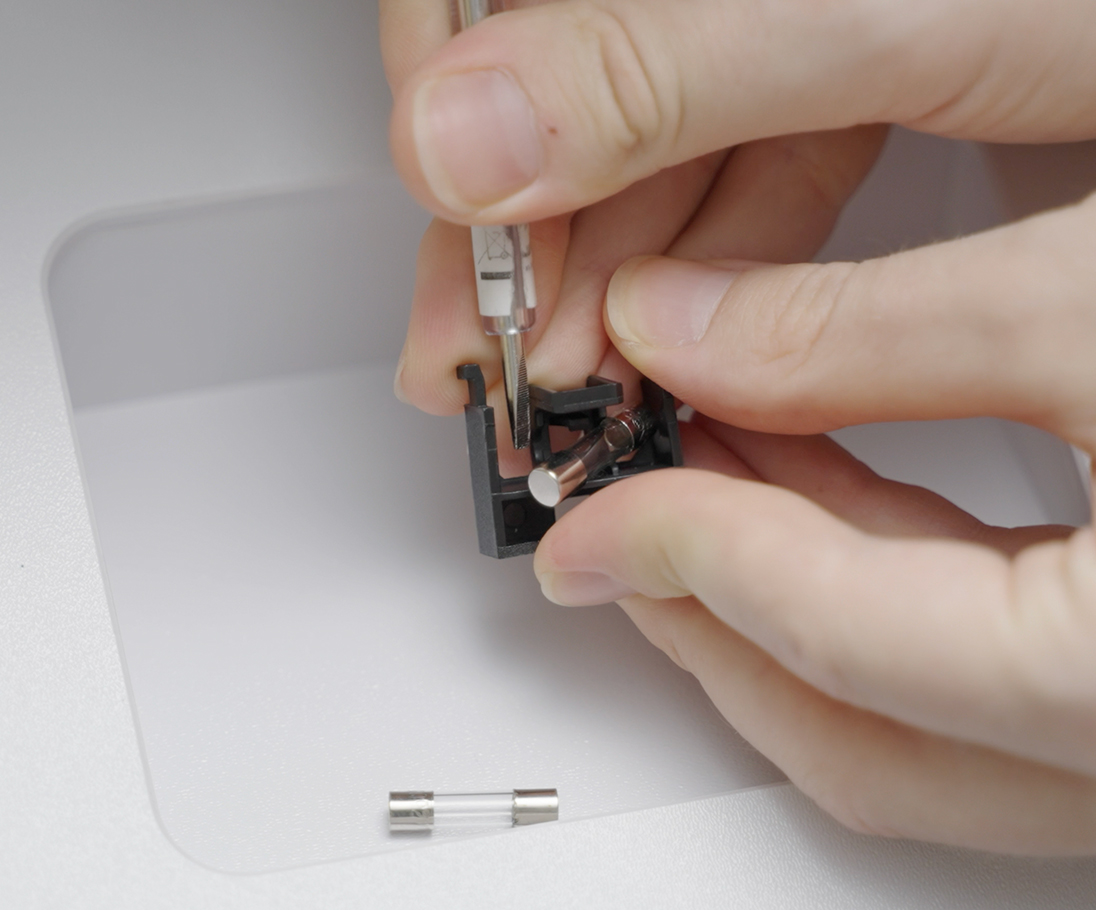
- After removing the currently installed fuse, insert the new, operational fuse into the top compartment by pressing it in.
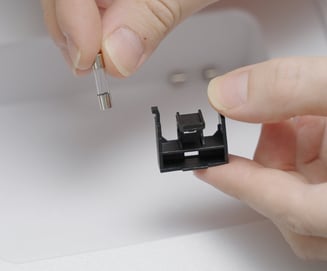
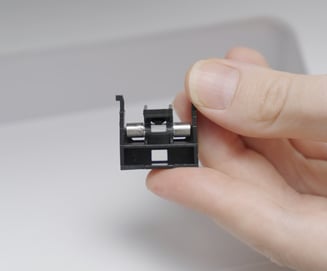
- You may add a new, operational fuse into the bottom storage compartment as a backup to speed up a future replacement.
- To install the fuse compartment back into PIC system Gravity, hold it by its sides and insert it into the empty space below the AC connector. Push it in fully.